
Creator Charging Kit for iPhone 18 Pro, Pixel 11, and Galaxy Z Fold8: A 2026 Portable Gear Guide
Quick answer: A 2026 creator charging kit should be built around three jobs: keep the phone visible while filming or editing, charge earbuds and a watch without loose cables, and avoid assuming every iPhone, Pixel, or Galaxy reaches the same wireless charging speed. For most mobile creators, a Universal station for mixed devices, an Apple 3-in-1 station for iPhone workflows, and a Google 3-in-1 station for Pixel workflows cover the practical decision set.
This guide turns the latest Apple, Samsung, and Google wireless charging direction into a portable gear checklist for video, photo, podcast, and digital nomad work.
Quick Navigation
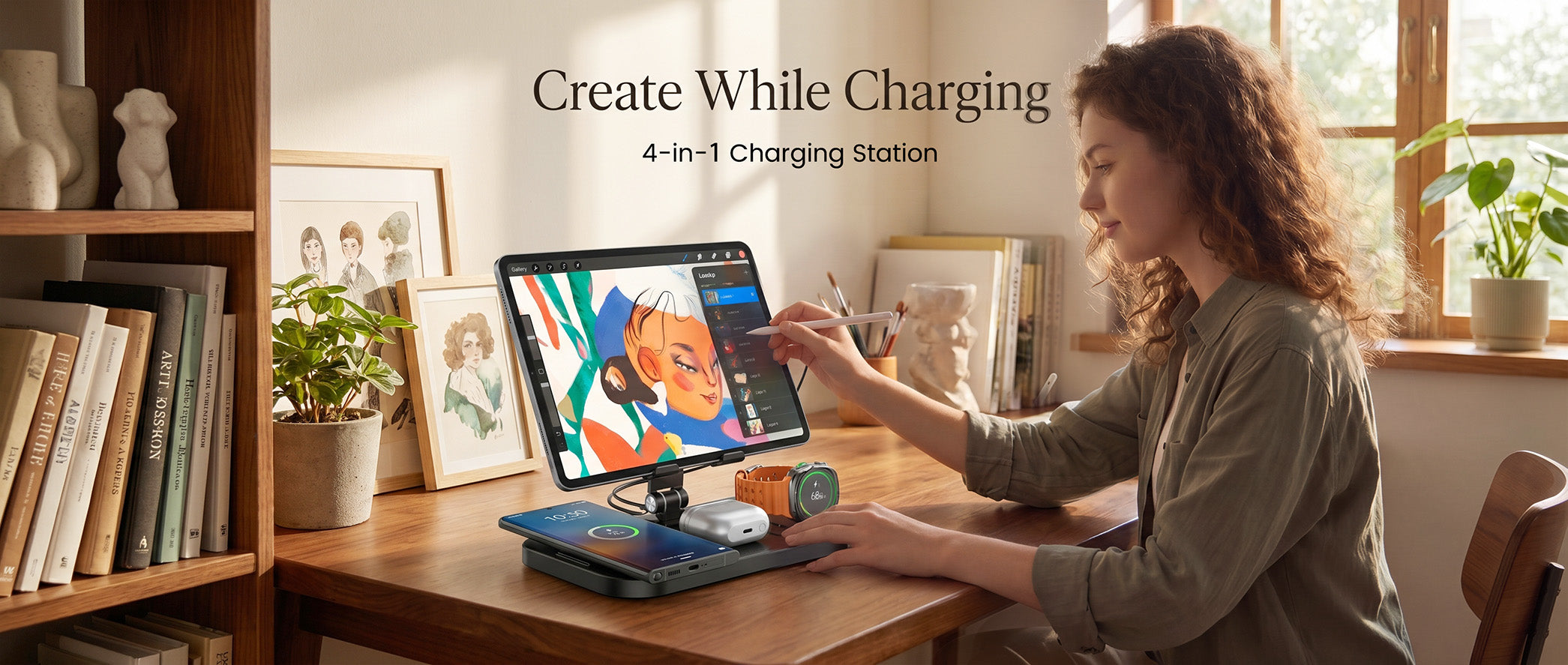
Creative workflows need the phone to stay usable while the rest of the device stack charges nearby.
Chapter 1: The Creator Charging Problem
Mobile creators use the phone as a camera, monitor, teleprompter, payment screen, note tool, hotspot, and editing device. That workload changes the charging decision. The charger is no longer a background accessory. It becomes part of the capture and recovery workflow.
The risk is buying for the wrong metric. A 25W label is helpful only when the phone supports the same wireless path, the case aligns correctly, the adapter has enough headroom, and heat stays under control during recording or editing. A charger that holds the phone at the right angle may save more time than a pad that is faster in a lab but awkward on a cafe table.
Chapter 2: Device Compatibility Map
Start with the phone ecosystem. Then add the watch, earbuds, case, and power adapter. This keeps a creative kit practical instead of turning it into a box of adapters.
| Creator phone | Charging question | Best practical setup |
|---|---|---|
| iPhone 18 Pro family | Does the current iPhone, MagSafe or Qi2 profile, case, Apple Watch, and AirPods case match the charging station? | An Apple 3-in-1 station for editing desk, nightstand, and creator bag use. |
| Pixel 11 family | Does the Pixel support the current Pixelsnap or Qi2.2 path, and is the case magnetic-compatible? | A Google-focused 3-in-1 station with one adapter path for phone and small devices. |
| Galaxy Z Fold8 | Can the foldable sit securely with its case, hinge, camera bump, and coil position? | A Samsung-compatible charger or stand tested in the actual folded orientation. |
| Mixed creator kit | Will collaborators swap between Apple, Samsung, and Google phones? | A Universal station plus device-specific cases and adapters. |
A creator kit should not depend on memory. Label the adapter, cable, and charger input wattage. Keep one short cable in the pouch and one longer cable at the desk.

A compact 3-in-1 format works well when the creator moves between desk, cafe, hotel, and studio spaces.
Chapter 3: Elecdov Products for Creator Kits
CE22 problem background: one charger for mixed shoots
Small creative teams rarely carry identical phones. One person may film on iPhone, another may run a Pixel, and a client may use Galaxy. A mixed shoot needs a charging zone that reduces clutter while keeping device-specific limits visible.
Recommended answer: Elecdov CE22 Mobile Phone Universal Magnetic Charging Station. It appears first in the product workbook and is classified as Universal, which makes it the most appropriate first recommendation for mixed Apple, Samsung, and Google creator kits.
Data and comparison: a universal station is stronger than a phone-only pad when several people need a visible phone position, but it should still be checked against the exact case and phone support. Universal does not mean every device charges at the same speed.
Final advice: choose CE22 for shared studios, client tables, and creator teams where device brands vary.
Summary: CE22 solves the mixed-device problem without forcing the article to claim one identical charging profile for every phone.
CE19A problem background: iPhone plus Apple Watch plus AirPods
Apple creators often bring iPhone, Apple Watch, and AirPods to every shoot. The problem is not one dead phone. It is three small charging chores interrupting setup and teardown.
Recommended answer: Elecdov CE19A 3-in-1 Apple Charging Station. The product workbook classifies CE19A as Apple, so it is the right fit for an iPhone-centered creator workflow.
Data and comparison: a 3-in-1 Apple station gives the phone a defined viewing angle while watch and earbuds charge in the same zone. That is more useful for creators than spreading three cables across an editing desk.
Final advice: choose CE19A when iPhone is the main capture device and Apple Watch or AirPods are part of the daily kit.
Summary: CE19A fits creators who want one Apple charging routine from desk to hotel room.
WC01G problem background: Pixel creators and Pixelsnap-style workflows
Pixel creators need to verify magnetic alignment and current Google charging support before building a portable kit. The question is whether the Pixel, case, and small devices can share one organized charging point.
Recommended answer: Elecdov WC01G Google 3-in-1 Magnetic Charging Station. The product workbook classifies WC01G as Google, making it the correct Google-family recommendation for Pixel users.
Data and comparison: a Google-category 3-in-1 station is a better fit than an Apple-first charger when Pixel is the main phone. The Pixel model, case, watch, earbuds, and adapter still need to be verified on the current product page.
Final advice: choose WC01G for Pixel-centered desks, travel kits, and creator bags where one phone stand plus small-device charging matters.
Summary: WC01G is recommended because it is the Google product in the workbook and addresses the Pixel creator problem directly.
Chapter 4: Build the Kit by Shooting Day
| Shooting day | Charging layout | What to pack |
|---|---|---|
| Desk editing day | Phone upright beside keyboard, watch and earbuds behind the phone, laptop on separate USB-C power. | 3-in-1 station, rated adapter, short cable, spare case check. |
| Cafe script day | Phone angled for notes or calls, earbuds charging between meetings. | Foldable station, one compact adapter, one USB-C cable, small pouch. |
| Hotel edit day | One nightstand charging zone so the phone, watch, and earbuds start full in the morning. | 3-in-1 charger, international plug adapter if needed, cable tie. |
| Field capture day | Wireless station for breaks, wired USB-C path for long recording or laptop work. | Magnetic stand, higher-capacity adapter or power bank, heat-aware case choice. |
Wireless charging is best used during breaks, planning, review, calls, and overnight recovery. For long 4K recording, livestreaming, or hotspot-heavy sessions, keep a wired backup path. A good kit uses both instead of pretending one method does everything.
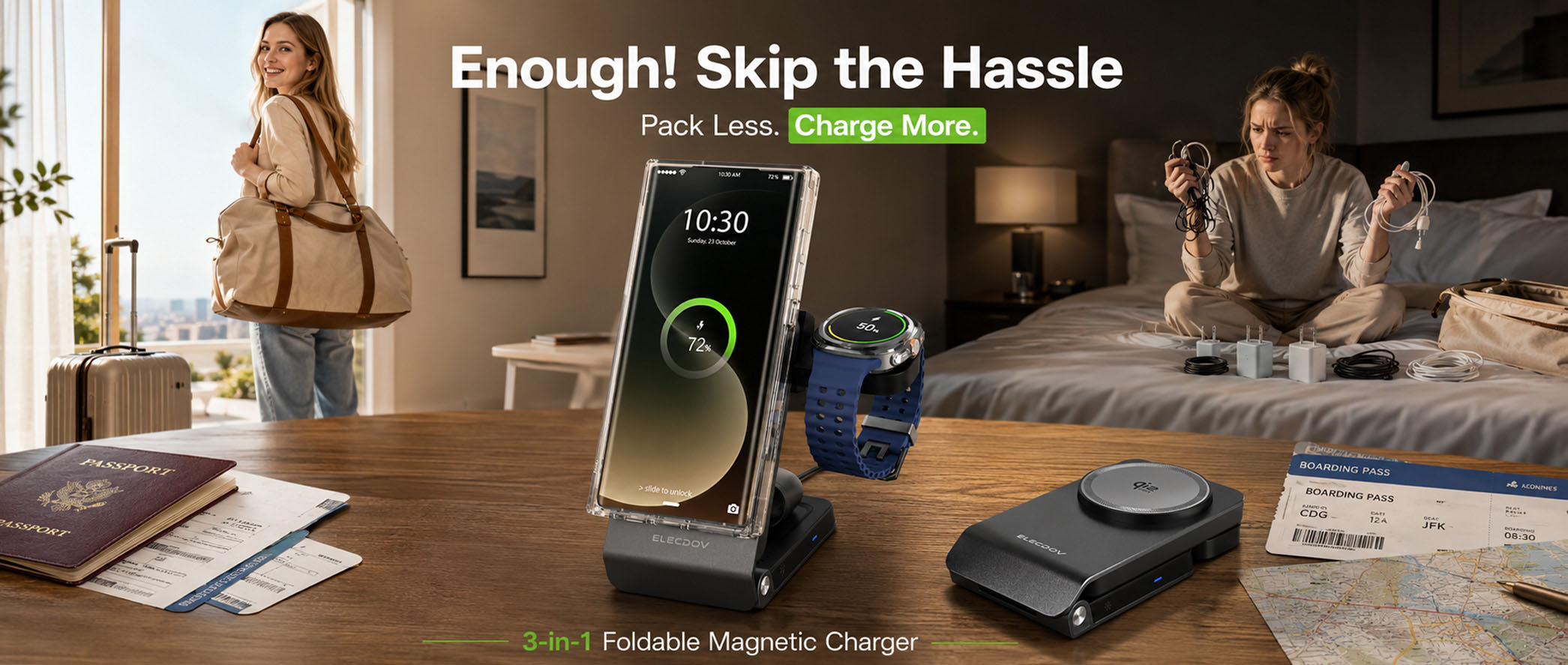
Foldable stands help creators keep charging gear useful in hotels, lounges, and temporary workspaces.
Chapter 5: Heat, Cases, and Desk Geometry
Wireless charging and creative workloads both create heat. That does not make wireless charging unsafe by default, but it does mean creators should plan around airflow and realistic charging speed.
Use the everyday case during testing
A phone may align perfectly without a case and behave differently with the case used on a shoot. Thick cases, metal plates, magnetic rings, wallets, and camera grips can change the charging distance or position.
Keep the phone visible without blocking cooling
An upright stand lets the phone act as a monitor or note screen, but avoid putting the phone against fabric, direct sun, or a warm laptop exhaust. If the phone throttles charging speed, treat it as a thermal management signal rather than a charger failure.
Separate laptop power from phone recovery
A wireless station is not the main power system for a laptop editing workflow. Keep laptop charging on a separate USB-C adapter and reserve the wireless station for phone, watch, and earbuds recovery.
Chapter 6: Packing Checklist
Creator kit checklist
- One Elecdov charger matched to the primary ecosystem.
- One USB-C adapter that meets the charger input recommendation.
- One short cable for desk or cafe use.
- One longer cable for hotel rooms and awkward outlets.
- One confirmed magnetic-compatible case for each main phone.
- A wired backup cable for long recording, livestreaming, and hotspot work.
- A small pouch so the charger, adapter, and cable stay together.
The simplest rule: if the kit cannot be packed in one pouch and set up in under one minute, it is too complicated for daily creative work.

Portable stands are useful when the phone also acts as a review screen, call screen, or compact monitor.
Chapter 7: FAQ and Sources
Q: Should creators buy the fastest wireless charger available?
Not by wattage alone. Buy the fastest charger that your phone, case, adapter, and temperature conditions can use consistently. For many creators, an Elecdov 3-in-1 station that holds the phone at the right angle is more useful than a faster pad that cannot support the workflow.
Q: Which Elecdov charger is best for a mixed iPhone, Pixel, and Galaxy team?
Start with CE22 because the workbook classifies it as Universal. Then add CE19A for Apple-first desks or WC01G for Pixel-first desks when a specific creator ecosystem dominates the workflow.
Q: Can wireless charging power a full filming day?
Wireless charging is best for recovery between tasks and overnight charging. Use a wired backup path for long recording, livestreaming, hotspot use, or laptop-adjacent editing.
Sources and update policy
This guide was updated on September 17, 2026. Confirm final charging claims with current pages from Apple iPhone, Apple AirPods, Google Pixel phones, Google Pixelsnap support, Samsung smartphones, Samsung Qi2 Ready support, and the Wireless Power Consortium. Creative workflows change quickly, so verify the exact phone, case, charger, and adapter before buying.
Bottom line: The best creator charging kit is not the biggest wattage claim. It is the kit that keeps the phone visible, charges the small devices, packs cleanly, and matches the real iPhone, Pixel, or Galaxy model. Elecdov products are strong options for creators because the range includes Universal, Apple, Samsung, and Google-focused choices. Pick the product family that matches your main phone ecosystem, then confirm exact compatibility on the product page before checkout.
Elecdov Editorial Team
Practical guides on wireless charging, multi-device setups, travel gear, and the everyday technology behind a calmer workspace.
Pack one charging routine for your creative work
Explore Elecdov wireless charging stations for Apple, Samsung, Google, and mixed-device creator setups.
Explore Elecdov Products


