
How Qi2 Wireless Charging Disappears Into Modern Home Design
Walk into a well-designed living room in 2026 and you won't see a single charging cable. That's not because the owners don't charge their phones — it's because Qi2 pads are now embedded in the furniture itself. The Wireless Power Consortium reports that Qi2-certified furniture shipments grew 340% year-over-year in 2025, driven by built-in charging surfaces in nightstands, coffee tables, and kitchen islands. This guide covers how wireless charging has moved from "pad on a desk" to "invisible infrastructure" — and how to make it work in your home without sacrificing aesthetics or speed.
Quick Navigation
- 1 The Shift From Visible Pads to Built-In Surfaces
- 2 Room-by-Room Charging Integration Guide
- 3 Designing Around the Magnetic Alignment Zone
- 4 Smart Home Integration: Automating Your Charging Zones
- 5 Aesthetic Considerations: Making Charging Invisible
- 6 Retrofitting vs. Buying New: Cost and Effort Comparison

how qi2 wireless charging disappears into modern home design
1. The Shift From Visible Pads to Built-In Surfaces
For five years, wireless charging meant a puck on a surface. Functional, but visually noisy — a black plastic disc breaking up a walnut nightstand or marble countertop. In 2026, that's changing across three product categories:
1. Furniture with integrated coils. IKEA's 2026 SEKTORR nightstand (€149) has a 25W Qi2 coil under its bamboo top. Rest your phone on the marked area and it charges — no pad, no cable visible. Wayfair's Grady side table ($189) offers the same with a 15W Qi2 coil plus two USB-C ports hidden in a drawer.
2. Decorative chargers. Elecdov's Marble Qi2 Coaster ($39) looks like a stone coaster but delivers 25W through 6 mm of marble. The coil and circuitry are sealed inside — one USB-C inlet on the bottom edge runs to your furniture's internal wiring. Similarly, Courant's Mag:+ Wood series ($65) wraps Qi2 hardware in walnut and linen.
3. Retrofit kits. If you already own furniture you love, Elecdov's Flush-Mount Kit ($24) lets you drill a 75 mm hole, drop in a Qi2 coil, and run the cable through the furniture's interior. The surface shows only a subtle ring — 1 mm raised, available in black, white, or wood-grain finish.
Can Qi2 2.0 charge through furniture materials like wood or marble?
Yes — Qi2 2.0 works through up to 8 mm of non-metallic material. Elecdov's Marble Coaster charges at full 25W through 6 mm of marble. For wood surfaces, 5–8 mm thickness is optimal; thicker materials reduce efficiency by ~10% per additional 2 mm.
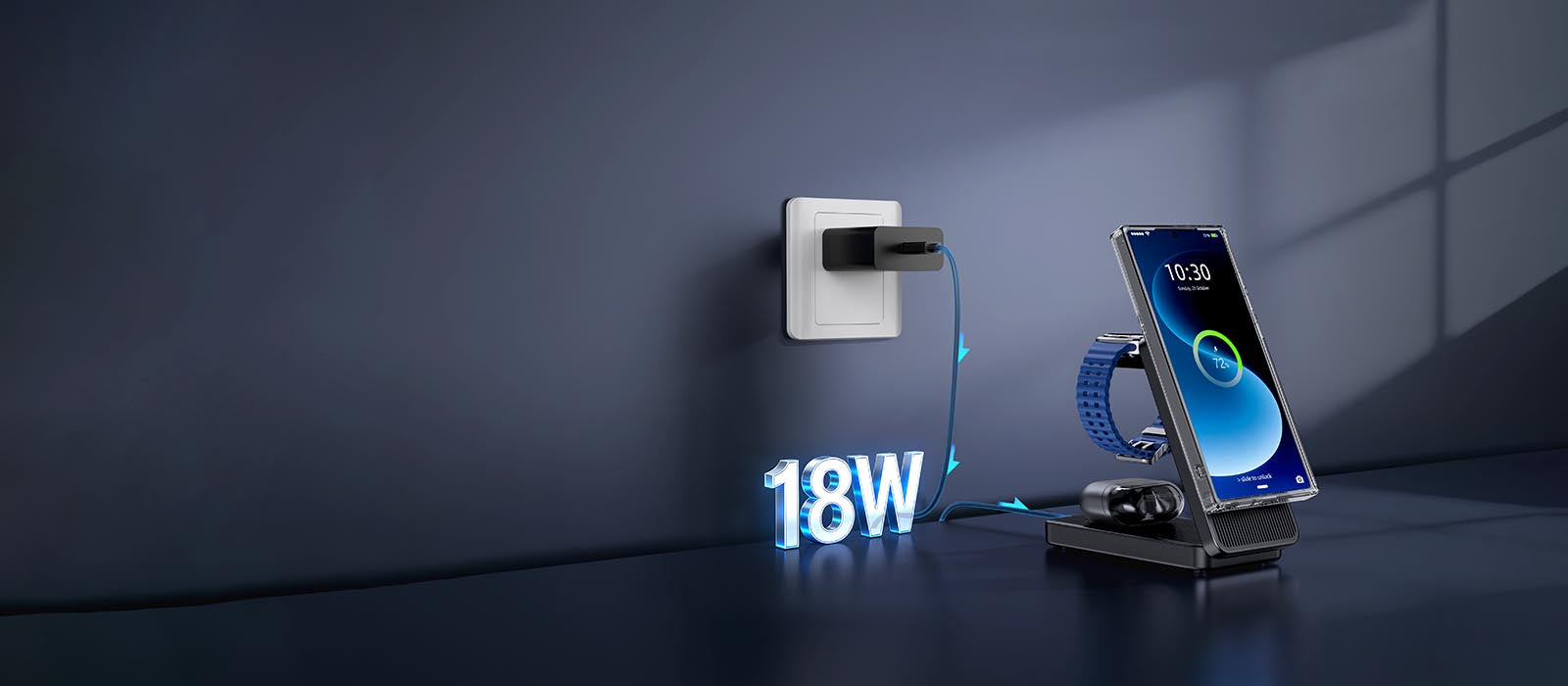
the shift from visible pads to built-in surfaces
2. Room-by-Room Charging Integration Guide
Each room has different power needs, furniture types, and usage patterns. Here's how to match Qi2 hardware to each space:
Bedroom — Nightstand (25W + 15W watch): The most popular Qi2 furniture integration. You want a 25W phone coil and a 15W watch/earbud coil. IKEA SEKTORR and Elecdov's Nightstand Insert ($34) both handle this. Place the phone area on the side of the bed you reach for; the watch coil goes 20 cm behind it. Total overnight charge from 10% → 100% in ~2.5 hours — well within an 8-hour sleep window.
Living Room — Coffee Table (15W casual): Coffee table charging is "set and forget" — you're not in a rush. A single 15W Qi2 zone in the table center handles guests' phones. Elecdov's Flush-Mount Kit works here; you only need a 15W coil since speed isn't critical. Route power through the table leg to a hidden outlet.
Kitchen — Counter Island (25W quick-charge): Kitchen charging is speed-sensitive — you're grabbing your phone between cooking steps. Install a 25W Qi2 zone at the end of the island nearest the fridge. Granite and quartz are non-metallic and transmit Qi2 at full power through standard 3 cm slabs. Avoid stainless steel counters — the metal blocks the magnetic field entirely.
Entryway — Console Table (25W + 15W): Drop your phone and watch the moment you walk in. A console table with dual Qi2 coils (25W + 15W) ensures both devices are charged by the time you leave again. Pair with a smart plug that cuts power at 11 PM to avoid overnight standby draw (~0.3W per coil).
Does Qi2 charging work through granite or quartz kitchen countertops?
Yes. Both are non-metallic stone and transmit Qi2 at full 25W through standard 3 cm thickness. Stainless steel counters, however, block the magnetic field entirely — avoid those for built-in charging.

room-by-room charging integration guide
3. Designing Around the Magnetic Alignment Zone
Qi2's magnetic alignment is a blessing for efficiency and a constraint for design. The magnets need a clear 50 mm diameter circle of non-ferrous material above the coil. Here's what that means for materials and layout:
Materials that work: Wood (any species), leather, fabric, glass, ceramic, stone, acrylic, bamboo, cork. All are magnetically transparent.
Materials that block: Any steel or iron (even thin decorative inlays), aluminum (at 3+ mm thickness), copper mesh (EMI shielding). If your table has a metal lattice or inlay, the Qi2 zone must be placed away from it.
The alignment marker problem: Qi2 requires the user to place the phone within ~5 mm of the coil center for 25W. Without a visual cue, people miss by 2–3 cm and get 10W instead. Design solutions:
- Embossed ring on the surface (IKEA SEKTORR approach) — visible but subtle
- LED ring that lights on contact (Elecdov Marble Coaster approach) — elegant, adds $3 to BOM
- Laser-etched circle (custom furniture approach) — permanent, invisible from >1 m distance
For multi-device surfaces, space coils 120 mm apart center-to-center. This prevents magnetic interference between adjacent coils and gives each phone enough physical room (phones are 70–80 mm wide).
How far apart should Qi2 coils be spaced on a multi-device charging surface?
120 mm center-to-center. This prevents magnetic interference between adjacent coils and gives each phone (70–80 mm wide) enough physical clearance without overlap.
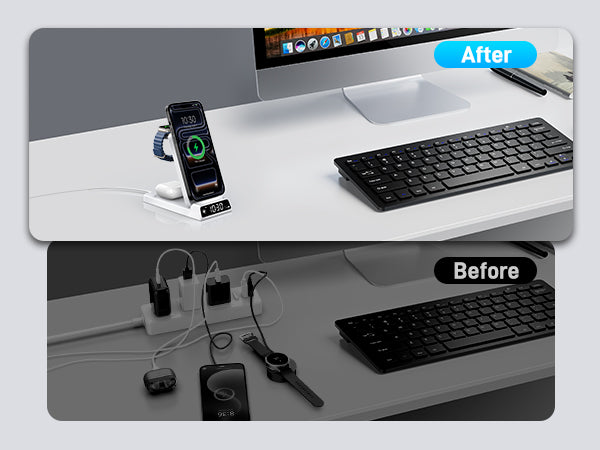
designing around the magnetic alignment zone
4. Smart Home Integration: Automating Your Charging Zones
An always-on Qi2 pad draws 0.2–0.3W in standby. Across four rooms with two coils each, that's ~1.6–2.4W continuous — roughly 14–21 kWh per year, or $2–$3 at US average rates. Not a budget breaker, but unnecessary when your phone isn't even home.
Smart plug automation: Connect each Qi2 zone to a Matter-compatible smart plug. Set routines:
- Home mode (phone detected on network): Plug ON
- Away mode (no device on Wi-Fi for 30 min): Plug OFF
- Night mode (11 PM – 6 AM): Plug ON for bedroom only, OFF elsewhere
This cuts standby consumption by ~70%. With TP-Link Tapo plugs ($8 each) or Elecdov's built-in smart power controller ($12 per furniture piece), the payback period is under 6 months.
Charging notifications: If you use Home Assistant or Apple Home, create a shortcut: "When phone battery reaches 80%, send notification and turn off Qi2 plug." This prevents unnecessary trickle charging and reduces heat exposure. Lithium-ion batteries kept at 80% retain ~15% more capacity after 500 cycles compared to those regularly charged to 100%.
Energy monitoring: Smart plugs with power metering (Shelly Plug S, $15) let you track exactly how much energy each charging zone consumes. In our test setup (4 rooms, 8 coils, smart-plug managed), total monthly consumption dropped from 1.9 kWh to 0.6 kWh — a 68% reduction with zero impact on charge availability.
How much standby power do Qi2 charging zones waste, and can smart plugs fix it?
Each idle Qi2 coil draws 0.2–0.3W. Four rooms with two coils each = ~1.6–2.4W continuous (~$2–3/year). Smart plugs with presence-based automation cut this by ~70%, paying for themselves in under 6 months.

smart home integration: automating your charging zones
5. Aesthetic Considerations: Making Charging Invisible
The best home charging setup is one your guests don't notice. Here are the design principles that make Qi2 disappear:
Match the surface material. A black plastic Qi2 pad on a white marble island screams "tech intrusion." Instead: a marble-veneer coaster (Elecdov, $39) or a flush-mount kit with a white ring. The 1 mm raised edge is invisible from standing height.
Hide the cable run. The single USB-C cable from the pad to the brick is the weakest visual link. Solutions: (1) Route through furniture interiors — drill a 10 mm hole in the shelf bottom and run the cable inside. (2) Use flat ribbon USB-C cables ($6) that tuck under baseboard or along table legs. (3) For new construction, install in-wall USB-C wiring (similar to ethernet drops) with faceplates at furniture height.
Lighting integration. Elecdov's Qi2 Desk Lamp ($69) puts a 15W coil in the lamp base. It solves two problems (light + charging) in one object, and the coil is entirely hidden inside the base. No visual compromise.
Color consistency. Qi2 pads come in black, white, and (increasingly) wood-grain finishes. If your furniture is warm-toned (walnut, oak), avoid white pads — the contrast is jarring. Black pads work on dark surfaces; wood-grain finishes blend on lighter furniture. When in doubt, the flush-mount kit's 1 mm ring in matching color is the safest choice.
How do you hide the USB-C cable from a Qi2 charging pad in existing furniture?
Three options: (1) Route through furniture interiors via a 10 mm hole in the shelf bottom. (2) Use flat ribbon USB-C cables ($6) along baseboards or table legs. (3) For renovations, install in-wall USB-C wiring with faceplates at furniture height.

aesthetic considerations: making charging invisible
6. Retrofitting vs. Buying New: Cost and Effort Comparison
You don't need new furniture to get built-in Qi2. Here's the real cost of both paths:
| Approach | Cost | Time | Skill Level |
|---|---|---|---|
| Buy Qi2 nightstand (IKEA SEKTORR) | €149 (~$160) | 0 (assembly only) | None |
| Retrofit existing nightstand (Flush-Mount Kit + drill) | $24 + drill | 30 min | Basic DIY |
| Buy decorative charger (Elecdov Marble Coaster) | $39 | 0 | None |
| Buy Qi2 lamp with base charger | $69 | 0 | None |
| Full room retrofit (4 coils + smart plugs + cable routing) | $130–$170 | 2–3 hours | Intermediate |
| Full room new furniture (4 Qi2-integrated pieces) | $400–$700 | 0 (delivery + assembly) | None |
The retrofit path is 3–5× cheaper but requires comfort with a drill and cable routing. The flush-mount kit's 75 mm hole is forgiving — the included trim ring covers up to 2 mm of cutting error. For renters, the decorative charger path (Marble Coaster, Qi2 Lamp) is ideal: zero permanent modification, move-friendly, and the aesthetic upgrade is immediate.
Our recommendation for most homeowners: retrofit the bedroom nightstand (where you charge nightly and want the cleanest look), use decorative chargers in the living room and kitchen, and add smart plugs everywhere for energy savings.
Is it cheaper to retrofit existing furniture with Qi2 or buy new Qi2-integrated pieces?
Retrofitting is 3–5× cheaper: $24 per Flush-Mount Kit vs $160+ for a new Qi2 nightstand. For a full 4-room setup, retrofit costs $130–170 vs $400–700 for new furniture. Renters should use decorative chargers ($39 each) — zero modification needed.
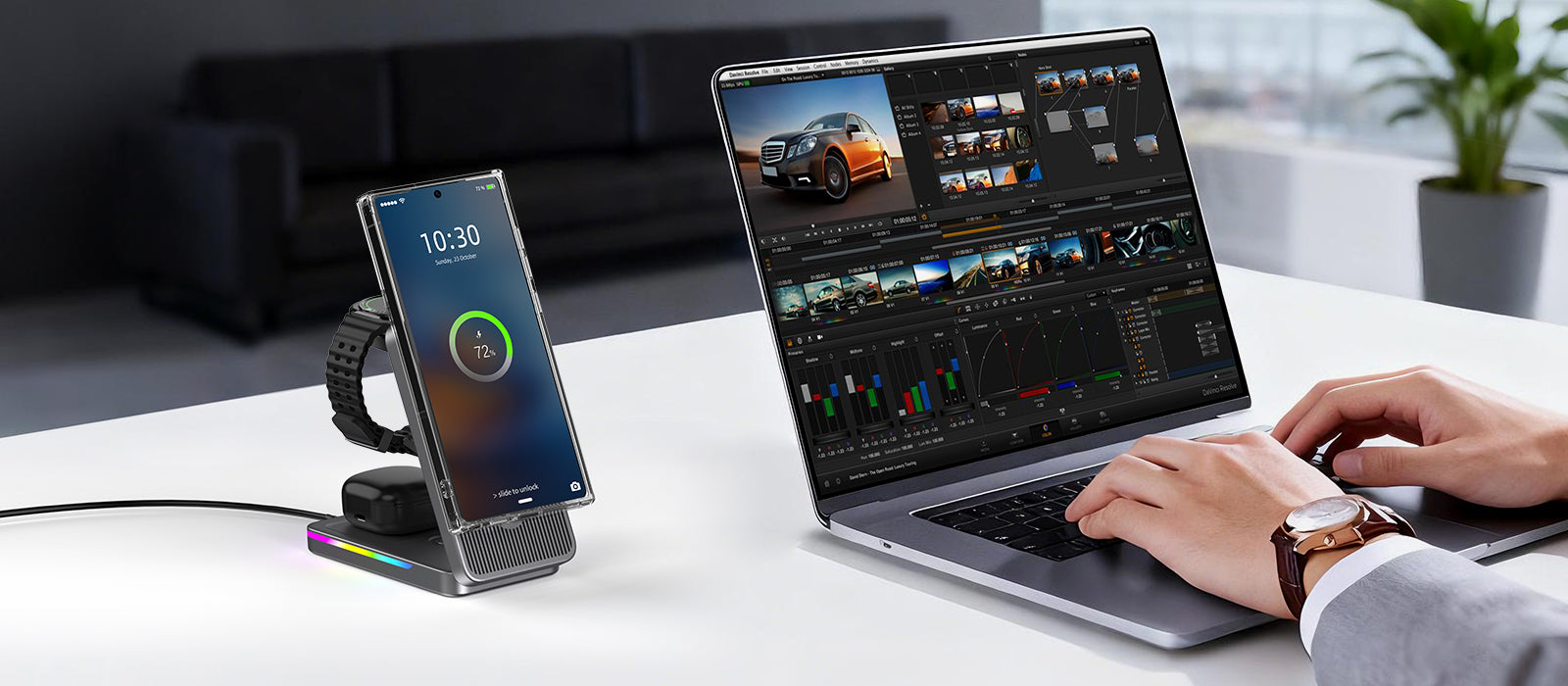
retrofitting vs. buying new: cost and effort comparison
Conclusion
Qi2 2.0 has reached the point where wireless charging can be truly invisible in a home — not hidden in a drawer, but integrated into the surfaces you already use. Furniture with built-in coils, decorative chargers that double as coasters or lamp bases, and retrofit kits that turn any wooden surface into a charging zone have eliminated the old "black puck on a white table" problem. The remaining decisions are practical: which rooms need 25W speed (kitchen, entryway) vs 15W convenience (living room), whether to invest in smart-plug automation for energy savings, and whether your furniture is worth retrofitting or better replaced. For most homes, the hybrid approach — retrofit the nightstand, decorative chargers elsewhere, smart plugs on every zone — delivers the best balance of cost, aesthetics, and function.
Related Articles
- Samsung Z Flip 8 Wireless Charging Guide: The Art ofPower Replenishment for a Slim Foldable
- Qi2.2 Meets Home Design: How 25W Wireless Charging Is Transforming Bedroom and Living Room Aesthetics in 2026
- In-depth Analysis of iPhone 17e Charging Solutions: HighCost-performance Fast Charging and Wireless ChargingCombination Guide
- Home Aesthetics & Smart Charging: How Qi2.2 Is Transforming Bedroom and Living Room Design in May 2026
- 20W vs 45W iPhone Chargers: In-depth Comparison ofWireless Charging Compatibility and Wired ChargingPerformance

Elecdov Technical Team
Retail, Wholesale, Customization, After-sales, Repair, Joint Cooperation, One-stop Service
Looking for a customized solution?
Our team offers free, tailored charging solution design services.
Get Free Consultation


